 Guide
GuideWhy Your 4K Smart TV Screen Goes Black – Causes & Professional Fixes
Discover why your 4K Smart TV screen goes black and learn about common display causes and professional repair solutions.

Smart TVs are pretty much a staple in our living rooms these days. We use them for everything, such as bingeing shows, blasting music, casting our phones, or even checking who is at the front door. But let's be real: as these screens get smarter, they also get way more complicated. Dealing with sudden smart TV software issues is exactly when things start going sideways for the average user.
Right now, two massive platforms rule the market: Google TV and Android TV. Because they’re both built by Google, most people assume they’re identical. But if you talk to anyone who fixes TVs for a living, they'll tell you they see completely different issues with each one.
Some TVs constantly lag out or get stuck in boot loops, while others run fine until the hardware physically quits after a few years. So, which one actually ends up on the repair bench more often? Let’s break it down.
Think of Android TV as the classic, older operating system. It’s simple, straightforward, and puts your apps right in front of you. Brands like Sony, TCL, and Xiaomi have relied on it for a long time.
Google TV, on the other hand, is a newer software layer built right on top of Android TV. It looks a lot slicker, gives you personalized recommendations on the home screen, and plays incredibly well with the rest of your Google setup.
Out of the box, Google TV usually feels faster and more modern. But because it's constantly running heavy background tasks to curate your feed, it can start eating up system resources as the TV ages. And that difference matters a lot more than you'd think.
| Feature | Google TV | Android TV |
|---|---|---|
| Interface | Modern and personalized | Simpler and app-focused |
| Common Issues | Freezing, syncing problems, and update bugs | Lagging, app crashes, storage overload |
| System Load | Heavier | Lighter |
| Internet Dependency | High | Moderate |
| Repair Trend | More software complaints | More overall repair cases |
| Long-Term Performance | Smooth initially, but may slow later | Stable if maintained properly |
Android TVs are great for customization, but after a few years of heavy use, they almost always start to crawl. Technicians see the same handful of problems over and over:
You tend to see these issues much sooner on budget Android TVs. To keep prices down, manufacturers often skimp on processors and RAM, which just can't keep up over time.
Another big culprit is app overload. Because Android lets you sideload random APK files, users often pack the internal memory with heavy apps, which completely tanks the system's stability.
These exact smart TV software issues are one of the top reasons older Android TVs get dropped off at service centers.
Google TV definitely gives a better first impression. The UI is fluid, and the recommendations are actually useful. However, repair shops note that this platform tends to trigger a unique set of software headaches.
Typical Google TV complaints include:
One massive headache for repair experts is the "update trap." A user’s TV will be working flawlessly, a mandatory automatic update rolls through overnight, and by morning, the whole interface is a laggy mess. It’s incredibly frustrating.
Plus, because Google TV constantly talks to the cloud to update your dashboard, a shaky internet connection can make the whole TV feel broken, even if the hardware is fine.
If we're looking purely at total volume, Android TVs generally end up in the shop more often. But there's a catch.
The vast majority of Android TV issues end up being hardware failures after years of hard service. Technicians frequently have to swap out components due to:
Google TVs, on the flip side, rarely suffer from catastrophic hardware meltdowns early on. Instead, they just suffer from massive software instability.
To put it plainly:
Basically, Google TV is a bit more fragile on the software side, while cheaper Android TVs tend to physically wear out much quicker.
If your TV is doing any of the following on a daily basis, it's trying to tell you something:
Ignoring these small quirks usually leads to bigger, more expensive problems down the road.
Taking it to a skilled smart TV repair shop is crucial because a lot of lazy shops will misdiagnose a simple software glitch as a dead motherboard just to charge you more. A great tech will spot the difference instantly.
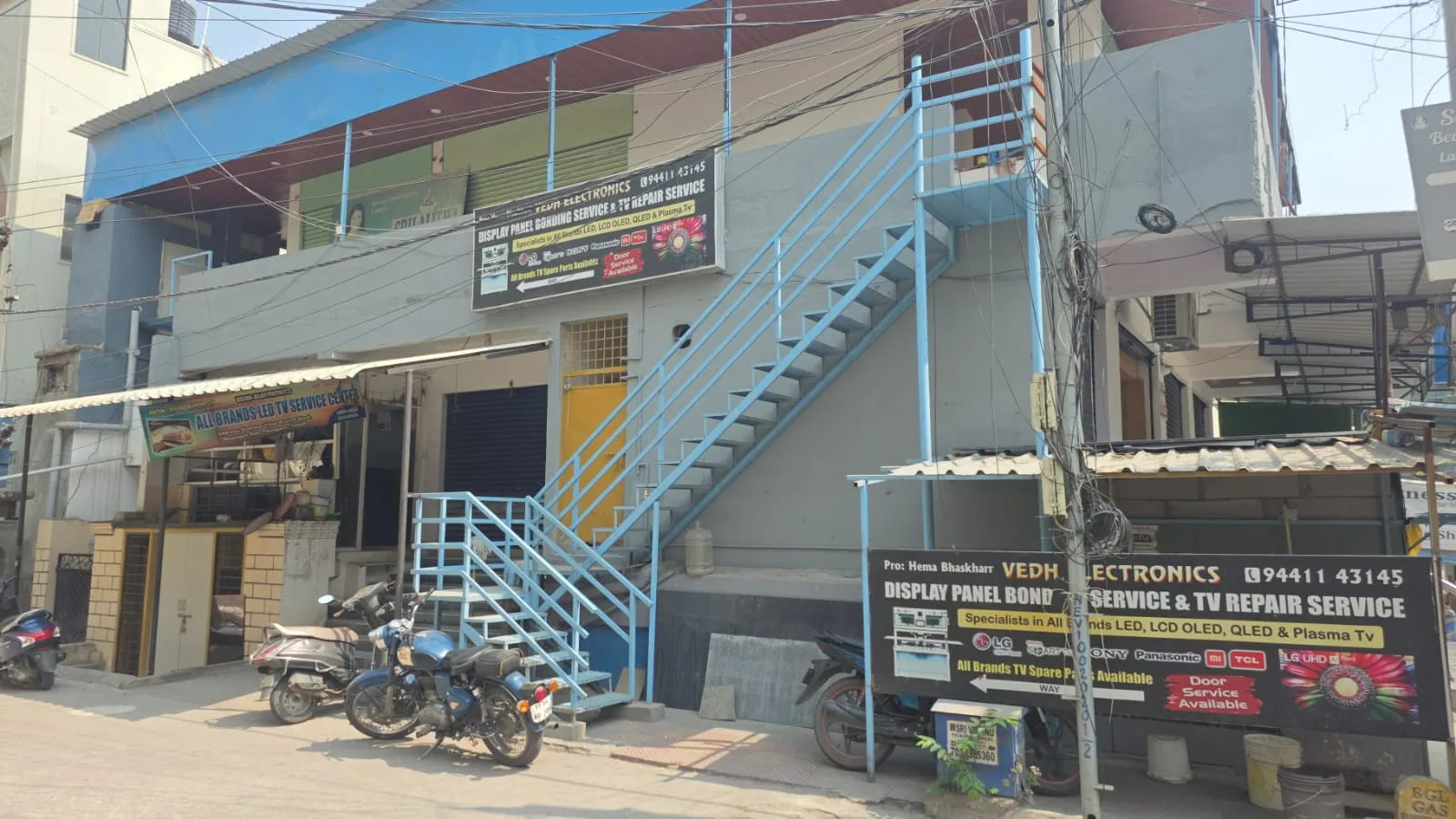
At Vedh Electronics, we handle both Android TV and Google TV platforms daily. If you have been searching for a reliable smart TV repair shop to address freezing screens, bricked updates, Wi-Fi dropouts, or genuine hardware failures, we've got you covered. We know that a malfunctioning TV doesn't automatically mean you need to throw it away and buy a new one.
We focus on honest, straightforward fixes, from flashing firmware and repairing displays to deep-level motherboard diagnostics. Our team works across all major TV brands to help you get more years out of your investment without the guesswork. If your television has suddenly slowed to a crawl or started acting strange after a recent update, bring it in and let our team find out what's actually going on.
GuideDiscover why your 4K Smart TV screen goes black and learn about common display causes and professional repair solutions.
 Guide
GuideDiscover what to expect from professional doorstep TV repair services in Hyderabad, from diagnosis to efficient home fixes.
 Tips
TipsCommon LED TV problems and fixes. Display, sound, power issues. When to call a professional. Vedh Electronics Hyderabad.
Doorstep TV repair across Hyderabad with a 365 Days service warranty. Inspection from ₹299, adjusted against your repair bill.
Expert advice on TV repair
Google TV can feel slower after updates because it runs more background recommendations and syncing features constantly.
Usually, no, but ignoring repeated crashes or update failures can eventually affect internal components over time.
This often happens due to outdated firmware, overloaded storage, or internal motherboard and power supply issues.
In many cases, yes, especially when the issue is software-related and doesn’t involve display panel replacement.
Frequent freezing, black screens, app crashes, or Wi-Fi problems usually mean the TV needs proper diagnosis.